Free up your time
No typing in every ingredient. One photo and Calkub works out the calories, protein, carbs and fat, so logging a meal takes seconds.
ไทยThe AI calorie tracker, fully in Thai
Calkub is the AI-powered calorie tracker you can use in Thai. Snap a photo, scan a barcode, or search a dish, and get the calories and nutrients straight away.


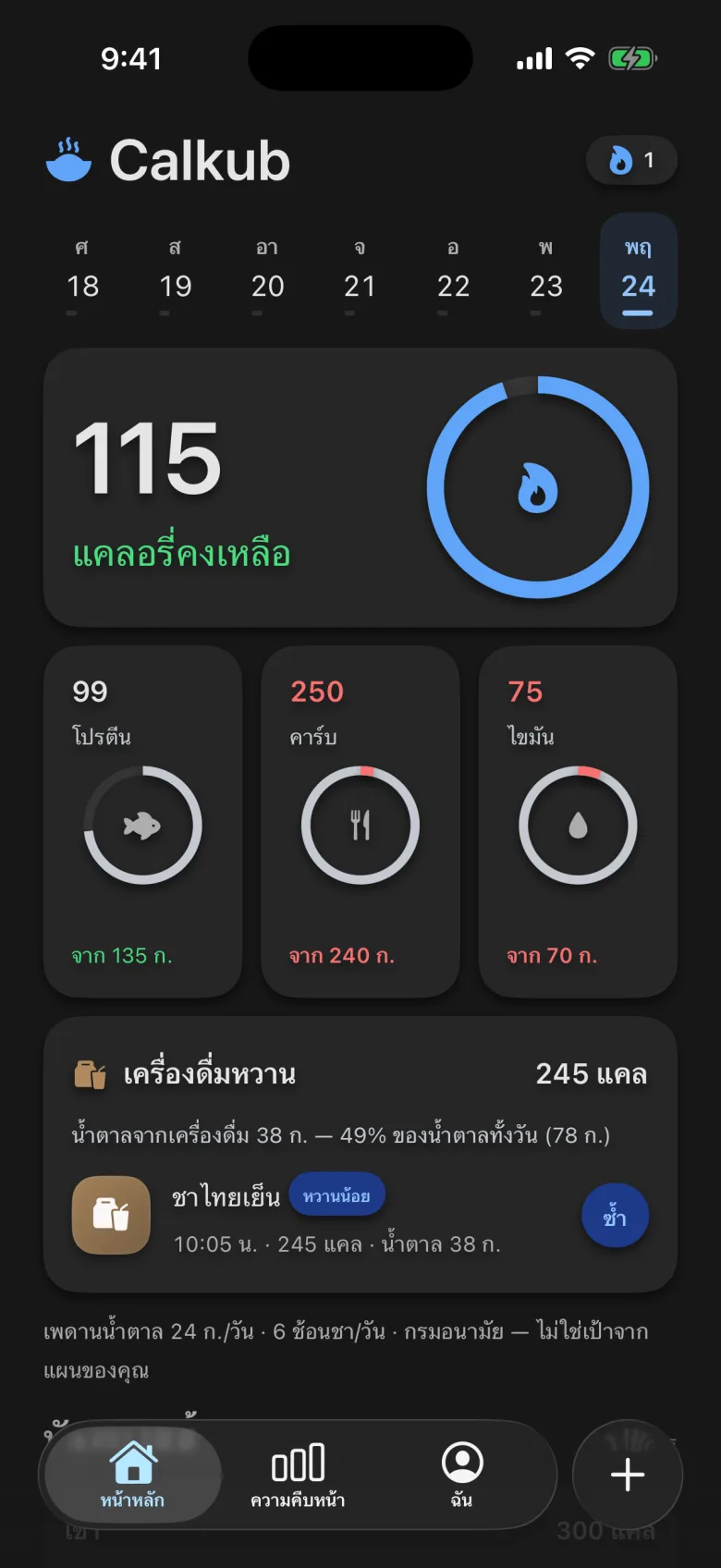
Today's calories left and macros, on one screen.
Every dish has its Thai and English name.

One photo, every plate on the table.

Weight trend and logging streak.

Calories, protein, carbs and fat for every plate.
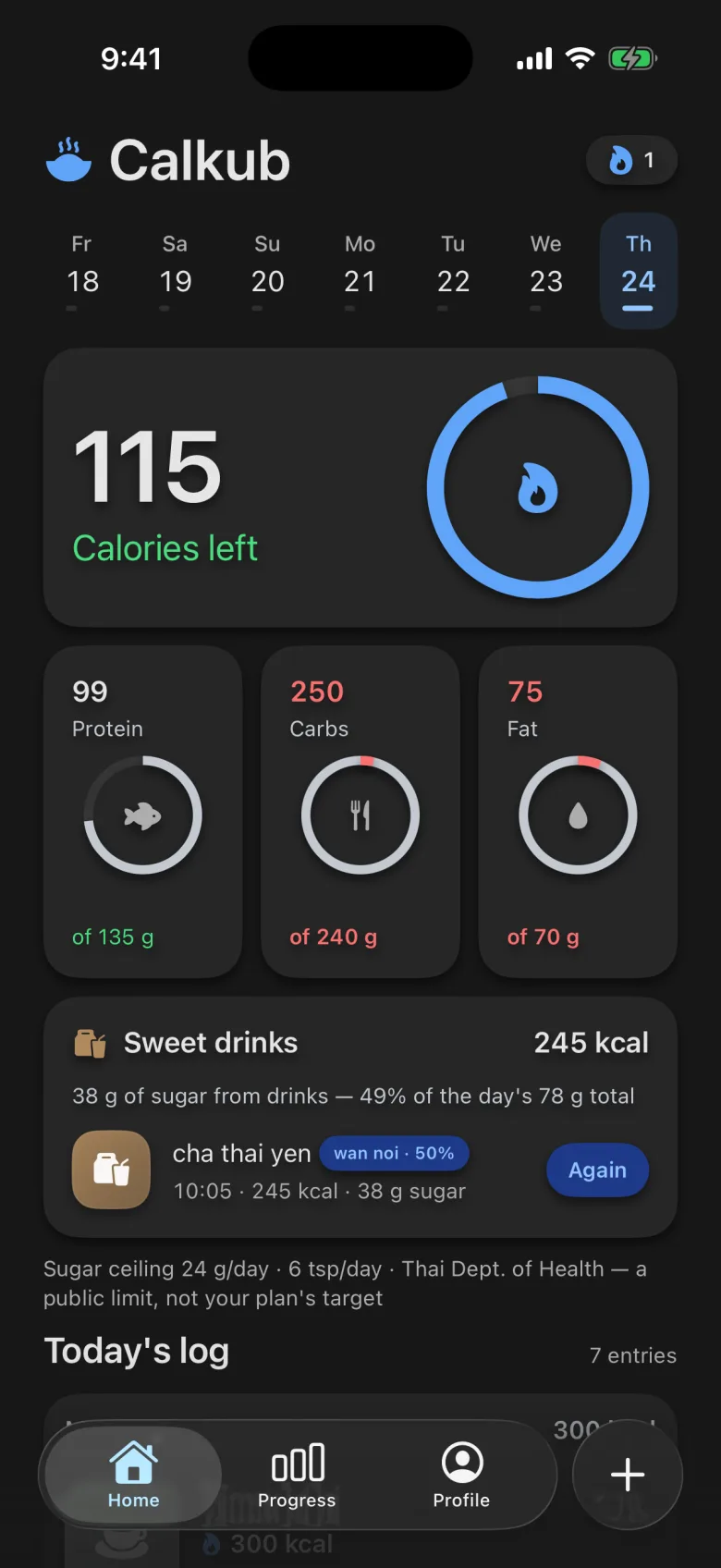
Switch language in one tap, not in iPhone settings.
The easiest way to count calories, in your language.
No typing in every ingredient. One photo and Calkub works out the calories, protein, carbs and fat, so logging a meal takes seconds.
Workouts and active energy from Apple Health are added back to your daily calorie goal automatically.
Every screen was designed for Thai from the start, not translated after. English is one tap away.
It follows your iPhone's setting automatically.
428 kcal · 1 plate (250 g)
Protein 17 g · Carbs 52 g · Fat 16 g
317 kcal · 1 plate (302 g)
Protein 13 g · Carbs 43 g · Fat 8 g
576 kcal · 1 plate (291 g)
Protein 20 g · Carbs 62 g · Fat 27 g
263 kcal · 1 cup (231 g)
Fat 10 g
514 kcal · 1 plate (280 g)
Protein 6 g · Carbs 85 g · Fat 16 g
Per standard serving, from Calkub's food database.
What our support team gets asked most.
Easy to fix. Here's what to do:
Tip: New phone or a different Apple Account? That's usually why. Restore purchases on the new device and you're set.
Subscriptions are managed by Apple, so we can't cancel one for you. Two ways to do it:
Heads up: Deleting the app does not cancel your subscription. Cancel at least 24 hours before the next period to avoid renewal.
Apple bills every Calkub subscription and decides refunds under Apple's terms. We never see your payment details, so we can't issue one ourselves.
Tip: Sign in with the Apple Account you paid with. Your Calkub receipt email comes from Apple.
Every figure is an estimate, and the app shows the range it could fall in. A few things help a lot:
Still off? Tell us and choose “Wrong calorie estimate”.
Try these steps:
Still crashing? Tell us your iPhone model and iOS version.
Heads up: Don't delete the app to fix it. Your log is stored on your iPhone, and deleting the app deletes it unless iCloud backup is on.
Tip: Data from an Apple Watch can take a few minutes to reach Health, and then Calkub.
Coming soon to iPhone · The free plan never expires